Stay connected to your BMW wherever life takes you. With the My BMW App, you can check vehicle information, access available remote features, plan destinations, and manage select ownership services directly from your smartphone.
Whether you’re commuting through Lafayette, planning a road trip, or checking on your vehicle from home, the app puts helpful BMW features within reach.
Available features vary by model, model year, equipment, and connected services.
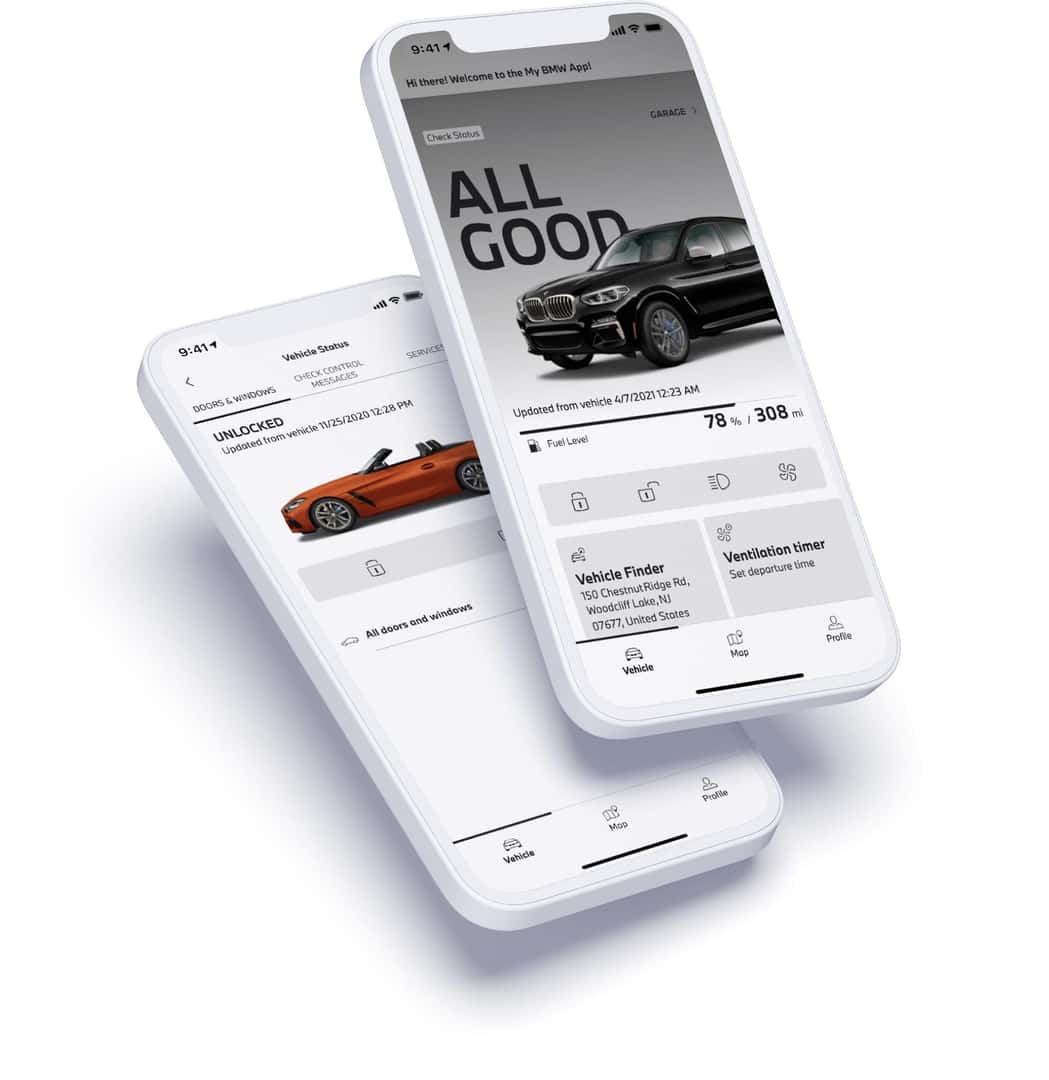
Know your vehicle’s status.
Check available information about your BMW, including fuel or battery level, estimated driving range, mileage, door and window status, tire condition, and upcoming maintenance needs.
Locate your BMW.
Use Vehicle Finder to locate your BMW on a map. Certain compatible vehicles also support Remote 3D View, providing images of the vehicle’s surroundings.
Access Remote Services.
Depending on your vehicle’s equipment and active services, you may be able to lock or unlock doors, activate the headlight flasher, sound the horn, or use Remote Engine Start from your smartphone.
Stay informed about maintenance.
Review available service notifications, maintenance information, and Remote Software Upgrade availability. When service is needed, BMW of Lafayette is here to help.
Remote Services require compatible vehicle equipment, applicable connected services, vehicle connectivity, and appropriate privacy permissions.
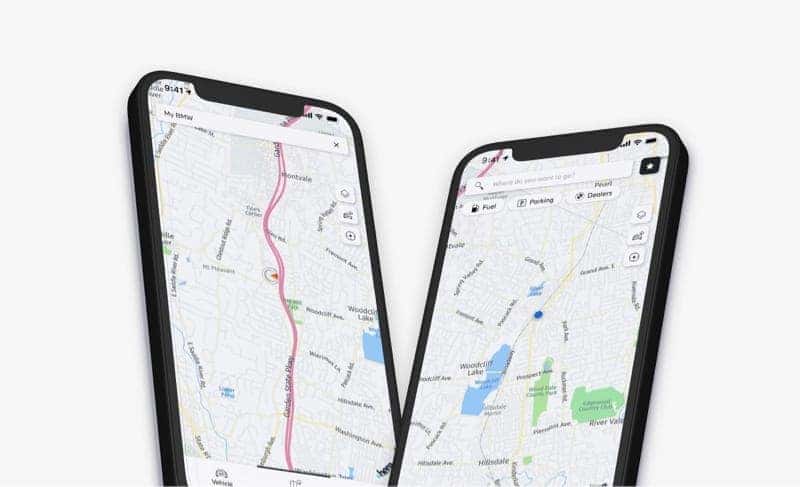
From your daily commute around Lafayette to weekend trips across Indiana, convenient navigation begins before you enter your BMW.
Discover new destinations.
Search for restaurants, attractions, businesses, and other points of interest. Save locations you want to visit or explore nearby destinations.
Find parking options.
Explore available parking locations and supported parking information to help plan your arrival.
Send destinations to your BMW.
Plan a destination from your smartphone and send it to your compatible BMW navigation system for convenient access when you’re ready to drive.
Stay informed along the way.
Supported BMW navigation systems can provide traffic information and route guidance to help you prepare for changing road conditions.
Navigation, parking, traffic, and route-sharing features vary by vehicle, active services, and geographic availability.
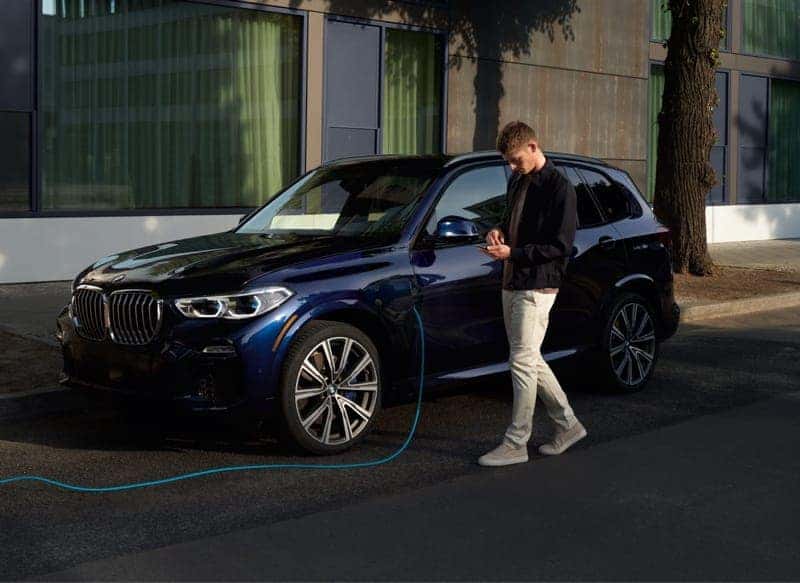
Managing your electric or plug-in hybrid BMW is more convenient with connected charging and vehicle information available on your smartphone.
Monitor your charge.
Check your battery’s state of charge, estimated driving range, and available charging information before heading out.
Plan your route.
Find compatible public charging stations and use supported route-planning features to help organize charging stops along your journey.
Manage charging times.
Adjust available charging settings, schedule charging sessions, and set departure times to fit your routine.
Prepare your BMW.
Use supported preconditioning features to prepare your vehicle’s interior before departure.
Charging and preconditioning features vary by model, equipment, software, and available services.
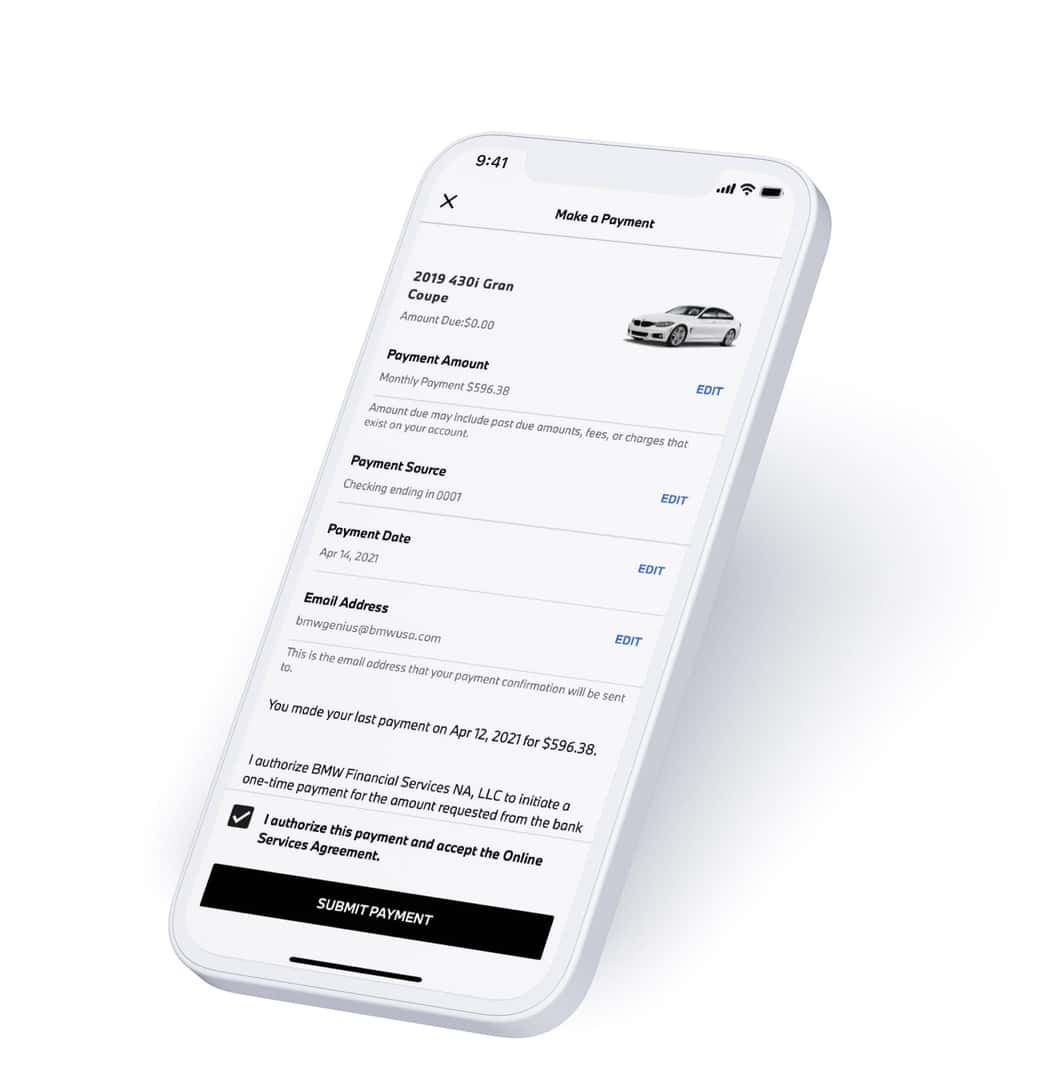
Stay informed about your eligible BMW Financial Services account with convenient access to payment information and account management tools.
Make payments.
Review your account balance and make eligible lease or finance payments through your linked BMW Financial Services account.
Review account activity.
Access available statements, payment history, and important account information from your smartphone.
Find payoff information.
View available payoff quotes and related account documents whenever you need them.
Manage your account.
Open the Profile section of the My BMW App and select Financial Services to access your linked account.
Financial Services features and account options are subject to eligibility and availability.

Bring your BMW ownership experience to your smartphone. Download the My BMW App, sign in with your BMW ID, and follow the instructions to connect a compatible vehicle.
Scan to get started.
Discover more about your BMW.
Find helpful information about ConnectedDrive, BMW Genius, warning lights, maintenance, and other ownership resources from BMW of Lafayette.
Download the My BMW App, sign in using your BMW ID, and select Add Vehicle. Follow the instructions to connect your BMW. You may need access to your vehicle to complete verification.
Remote Engine Start is available for certain compatible BMW vehicles with the required equipment and connected services. Check your vehicle’s available features in the app.
Check the time of the last update and refresh the Vehicle Status screen. Your BMW needs an available mobile connection, activated Remote Services, and the appropriate data-sharing permissions for supported information to update.
No. BMW ConnectedDrive is BMW’s digital services platform. The My BMW App provides smartphone access to supported connected features and ownership tools.
Compatible BMW electric and plug-in hybrid vehicles support charging information and selected charging controls through the app, including available charging schedules and departure settings.
Explore BMW Genius resources for help understanding compatible vehicle features, settings, and connected technology. BMW of Lafayette also provides helpful ownership and service resources.